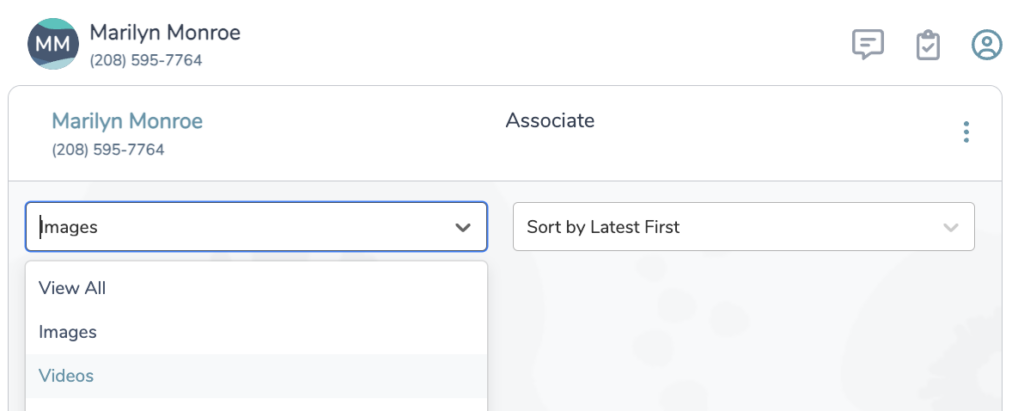
HOW TO: View All Images and Videos from a Text Conversation
- Navigate to your ‘Messaging Center’ from the Main Menu icon
in the top left corner
- On the left hand side, Text Hub will be selected by default
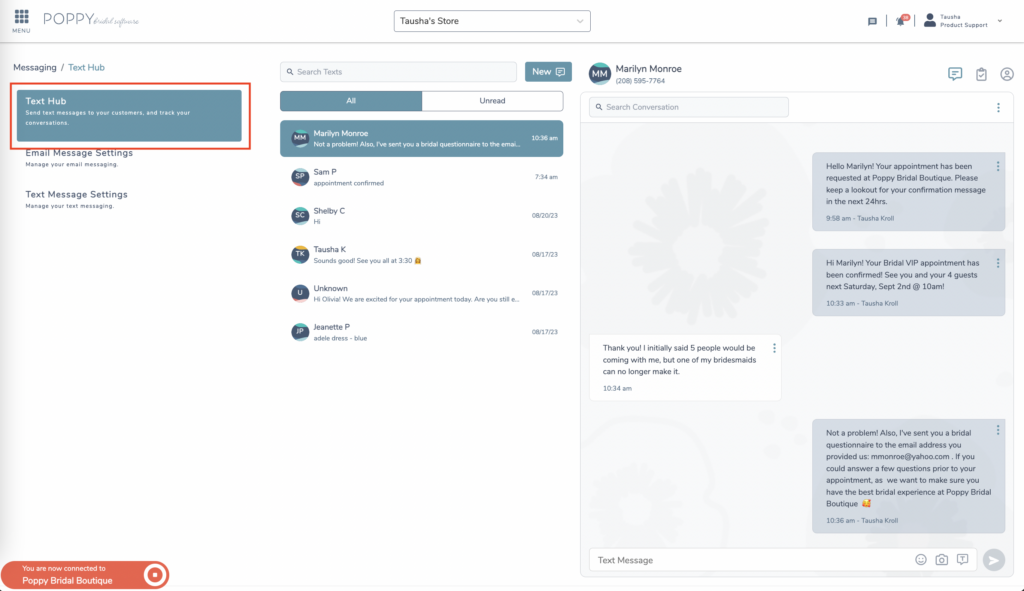
- Click the profile icon in the top right corner

- From the drop down choose View All, Images or Video to see any or all media sent to you or by you in the customer’s conversation.