

HOW TO: Deactivate Fitting Rooms
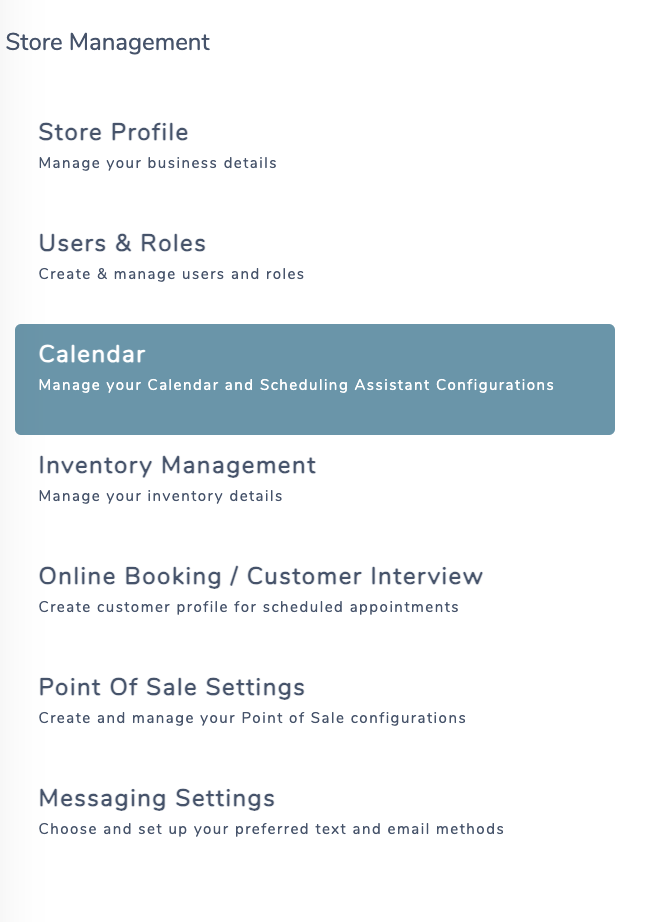
Navigate to ‘Store Management‘ from the Menu Icon 
- In Store Management, choose Calendar from the left navigation
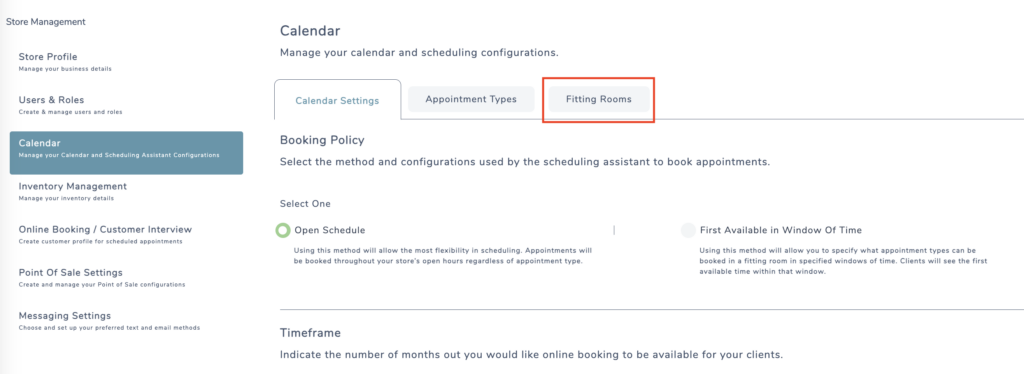
- Next, click the Fitting Rooms tab
- Find the fitting room you’d like to deactivate, and switch off the green toggle to gray.

If you have appointments currently booked in this room, you will be prompted with a pop-up to reassign the room within the modal.
- Assign the appointments to a new room using the drop down

- Click ‘deactivate fitting room’ button
Want to see a quick HOW TO on Deactivating Fitting Rooms ? Click here.