

HOW TO: Add a Vendor Note or View a Vendor Change Log
Navigate to the ‘Store Management‘ from left navigation menu icon 
- Choose Inventory Management from the left hand side
- Click the ‘Vendor‘ tab
- Click the ‘Additional Info + Change Log tab‘
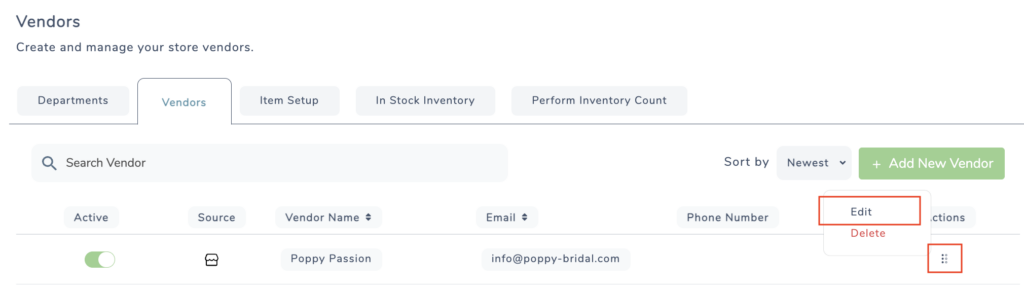
- Click the ‘+ Add New Note‘ button

- Next, type your note and select a priority level

- Click Save
To view a history of changes that have been made to the vendor, See a list of change logs under the Notes section
