HOW TO: Add a To-do from Text Hub
- Navigate to your ‘Messaging Center’ from the Main Menu icon
in the top left corner
- On the left hand side, Text Hub will be selected by default
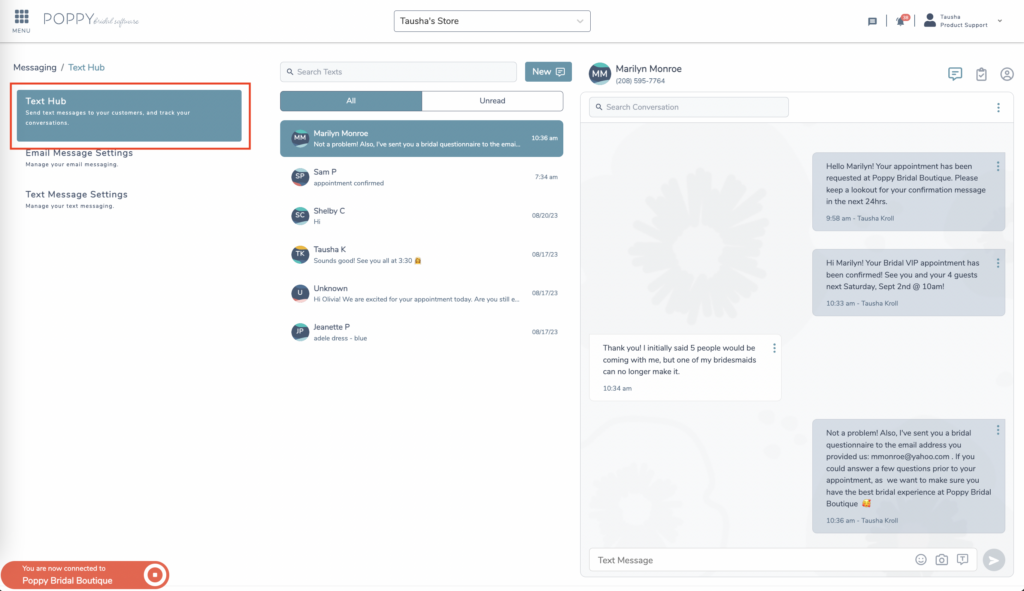
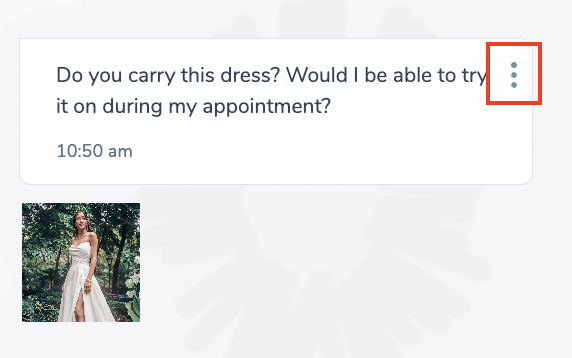
- Within the , click the three action dots on the text message.
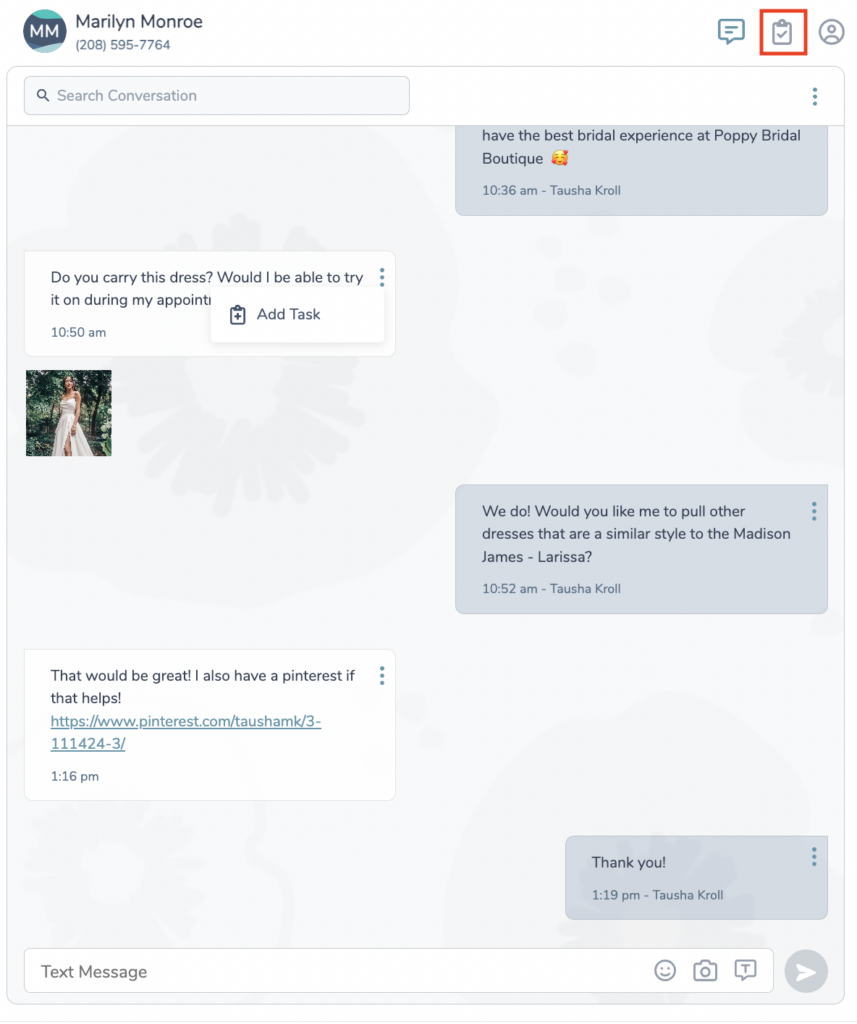
- Click, Add Task
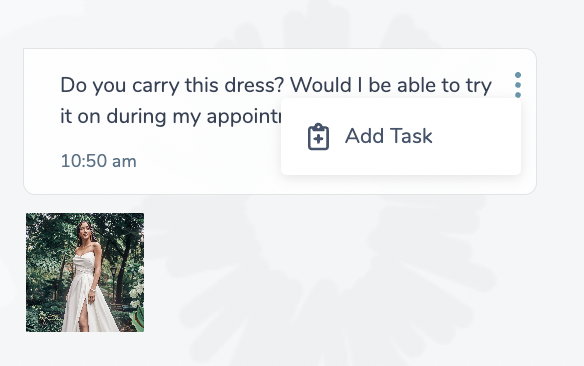
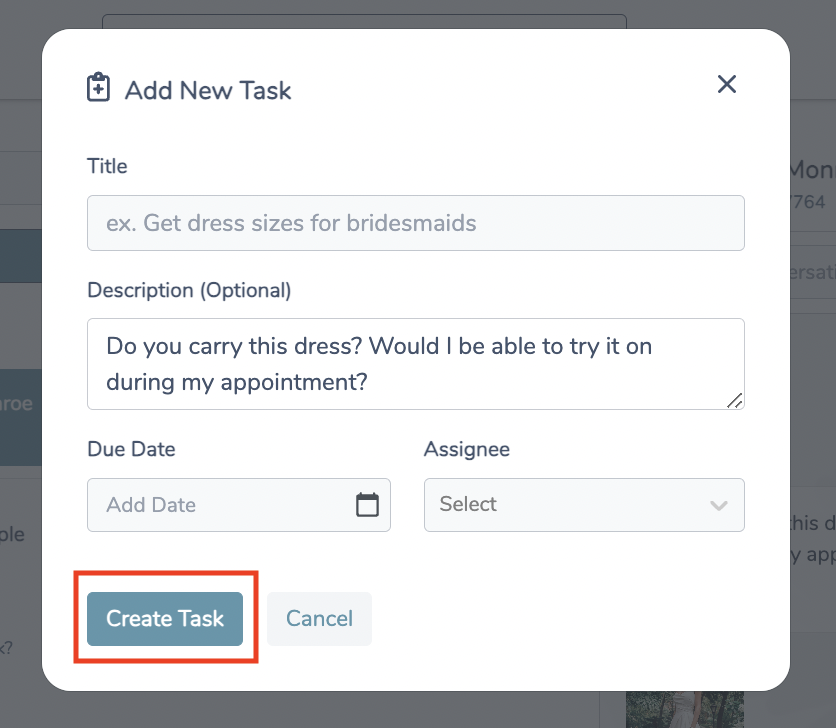
- Add a title, due date, edit any of the info in the description, and assign the task to an associate
- Click, Create Task
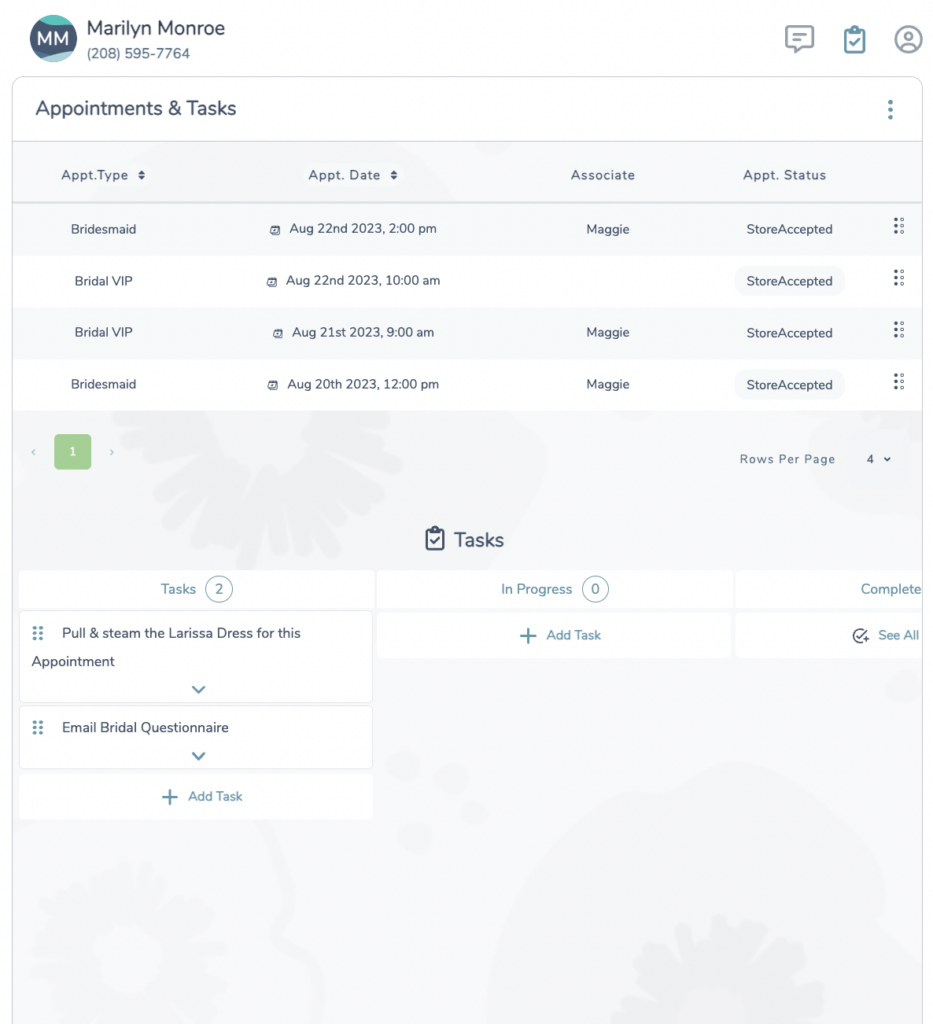
- To see all tasks or appointments associated to a specific bridal customer from the Text Hub conversation, click the clipboard icon in the top right corner within the conversation.